
MuftDeal POS
Powerful desktop POS software for restaurant billing and daily operations.
Manage billing, digital menus, waiter orders and restaurant operations from one simple platform.
Simple • Fast • Built for Restaurants
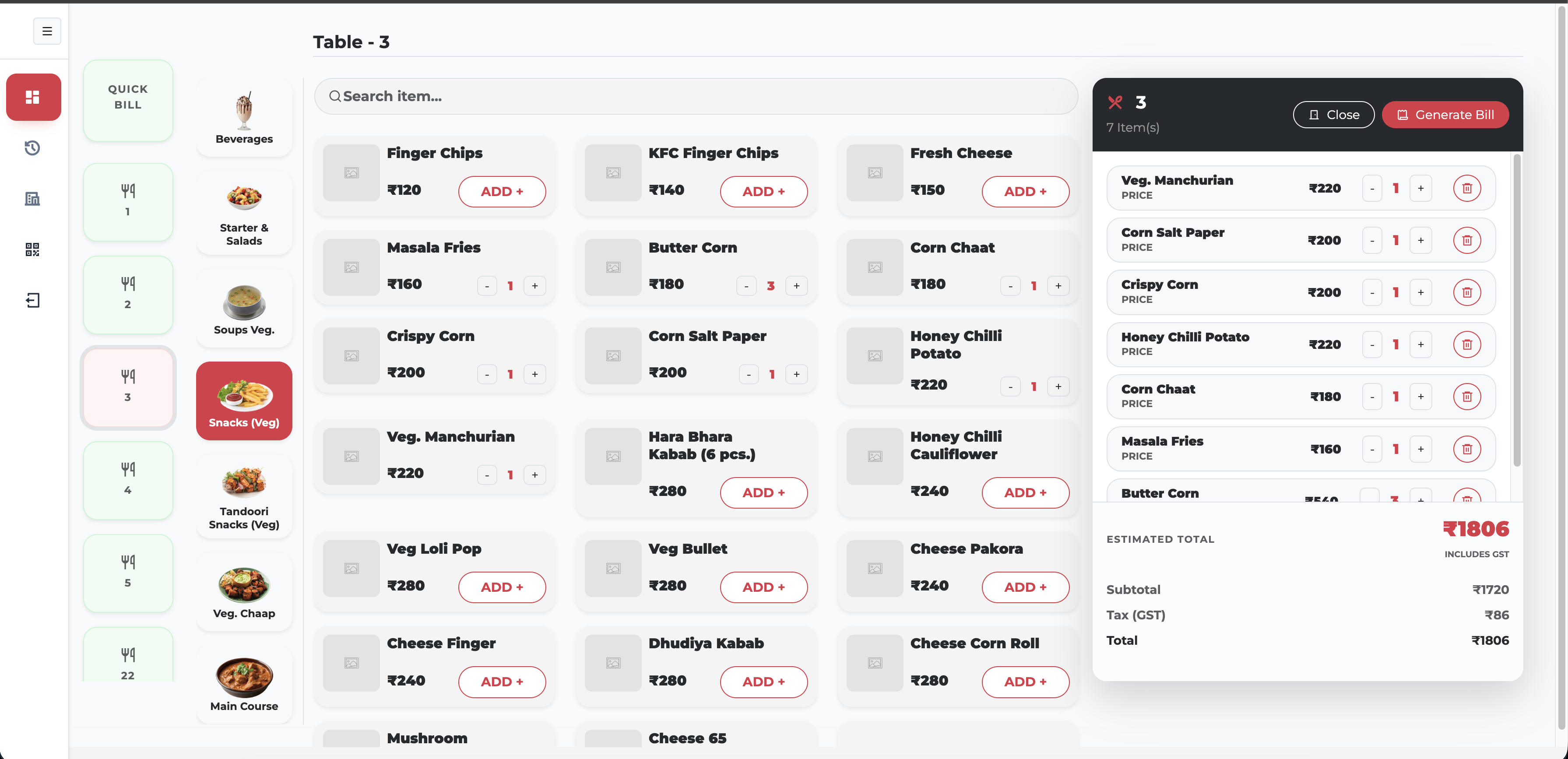
See how MuftDeal makes restaurant billing and order management simple.
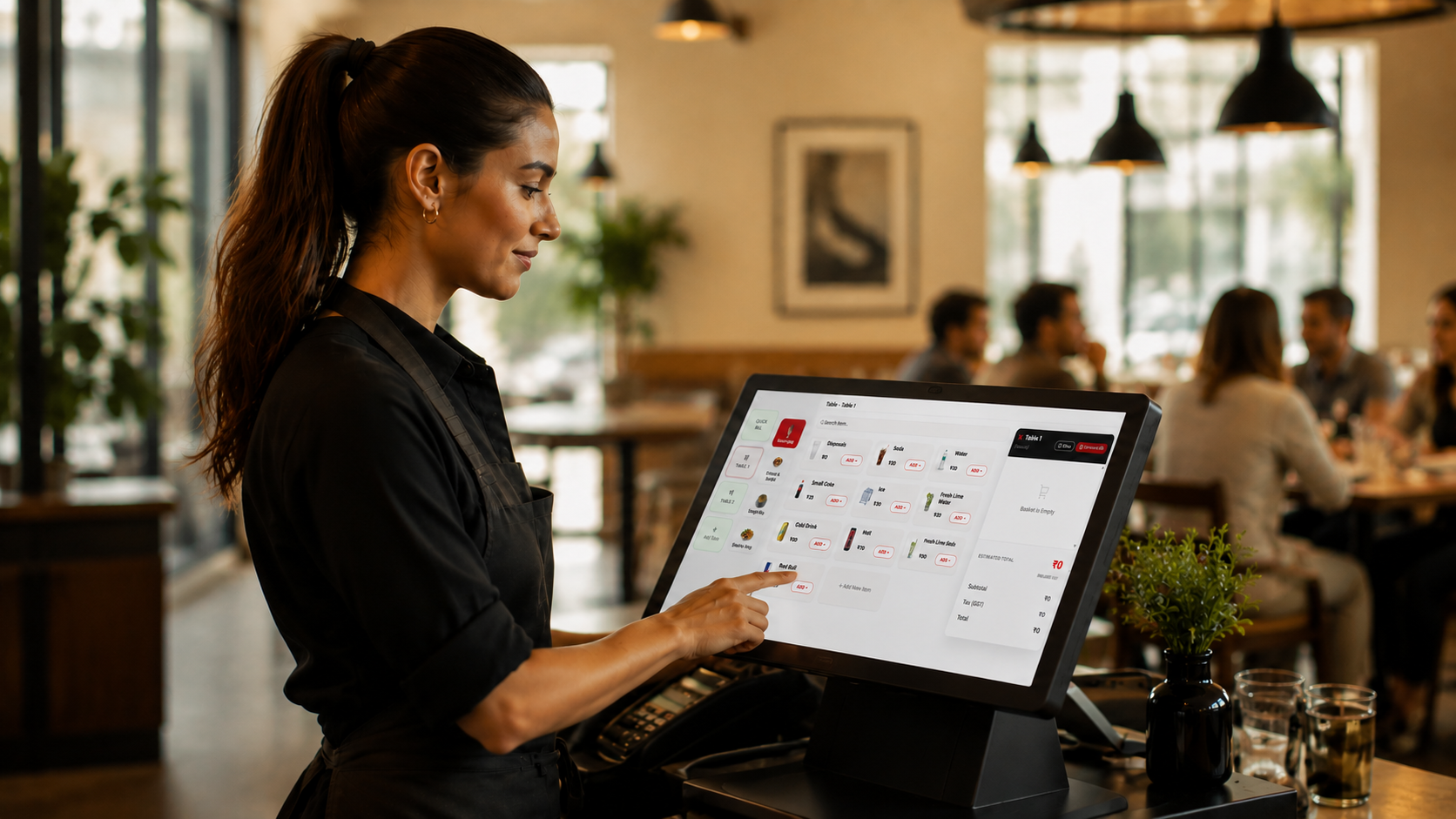
MuftDeal walkthrough · 2 min
Choose the version that works best for your restaurant.
Powerful desktop POS software for restaurant billing and daily operations.
Let your waiters take orders quickly and send them directly to the restaurant POS.
Download Waiter POSManage restaurant operations from your Android device.
Download Waiter APKMuftDeal brings the essential tools for restaurant operations into one simple system.
Let customers scan a QR code and instantly view your digital restaurant menu.
Create bills quickly and manage restaurant transactions from a simple POS interface.
Waiters can take customer orders directly and send them to the restaurant POS.
View previous orders and easily keep track of restaurant activity.
Manage tables and keep track of active restaurant orders.
Add, edit and organize categories, food items, prices and menu information.
Create restaurant bills quickly with an interface designed for speed.
Get a clear overview of your restaurant's daily operations.
Three steps from setup to a fully organized restaurant workflow.
Add your restaurant information, categories, menu items and tables.
Use the POS or waiter panel to take orders and manage billing efficiently.
Track orders, manage your menu and keep your restaurant operations organized.
How QR menu works
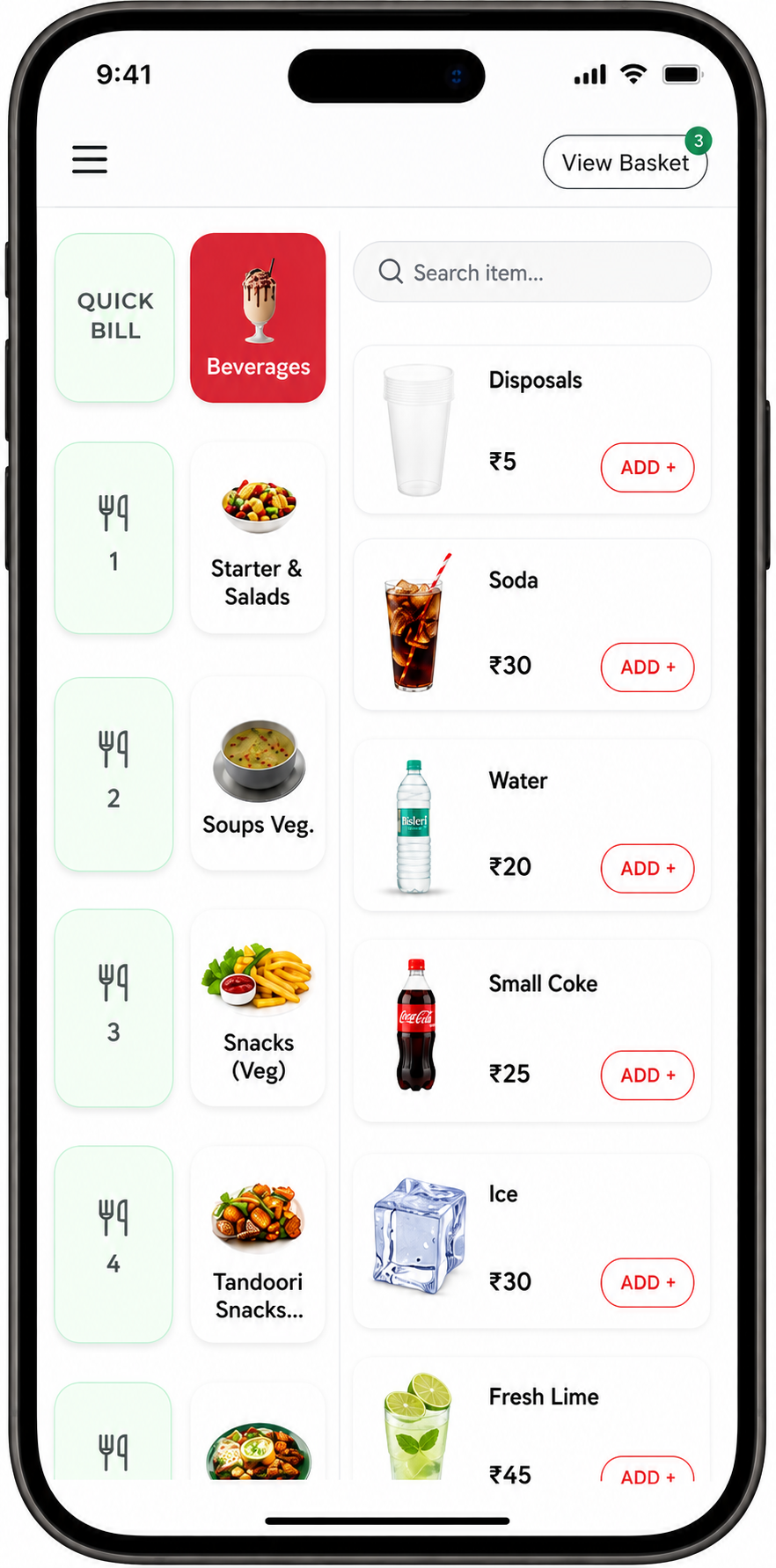
QR menu walkthrough
Customers can simply scan your restaurant QR code and view your menu instantly from their phone.
Give your waiters a simple interface to take orders, select tables and send orders directly to the restaurant POS.
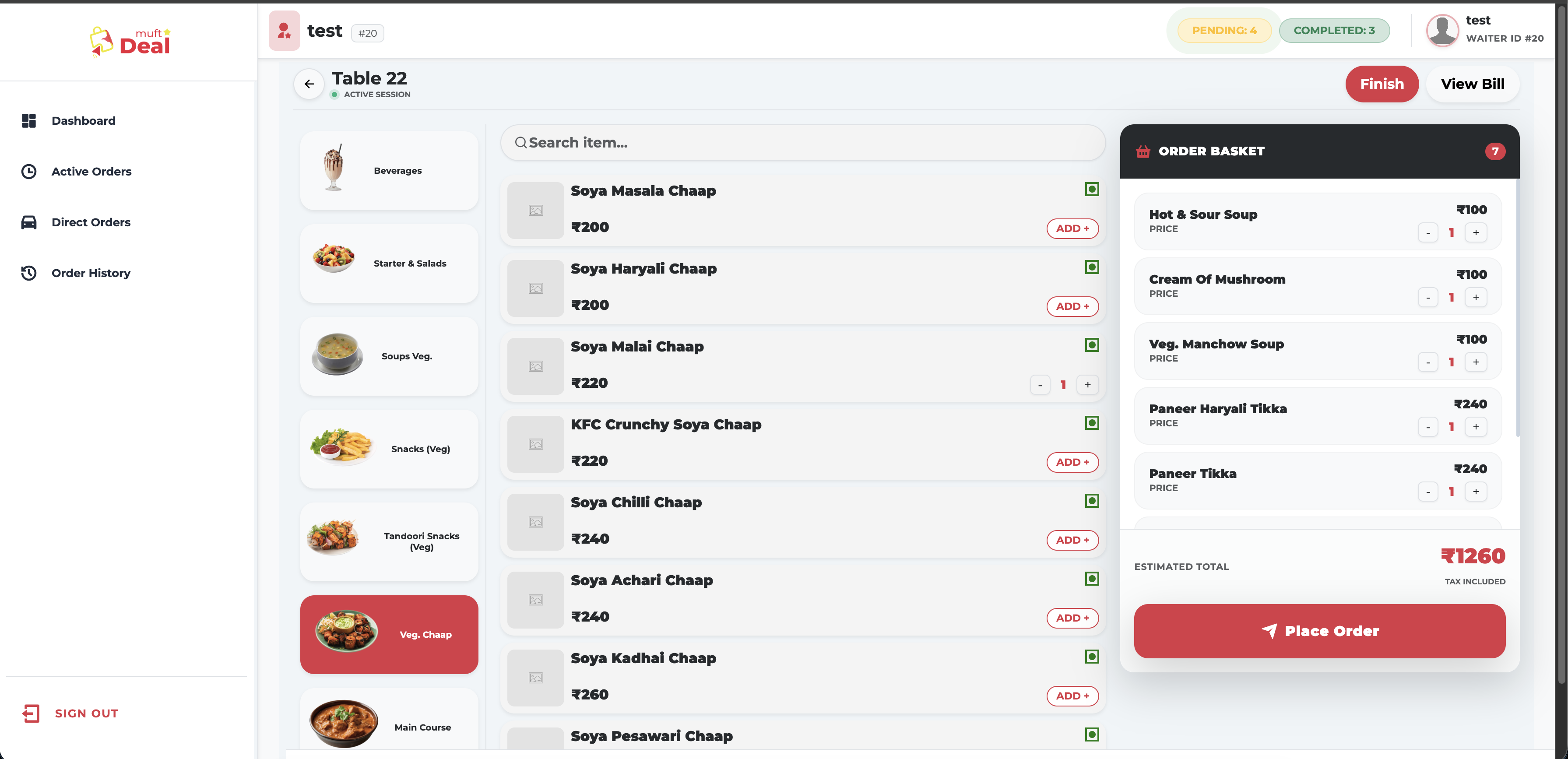
Categories, items, cart, billing, tables and order status — all on one screen.
Close bills in seconds, even at peak hours.
Every order in one place, from table to kitchen.
Fresh menus without reprinting.
Fewer trips, fewer mistakes, faster service.
Look back at any order whenever you need it.
One system your team learns in a day.
Start managing your restaurant with MuftDeal today.